













The short answer
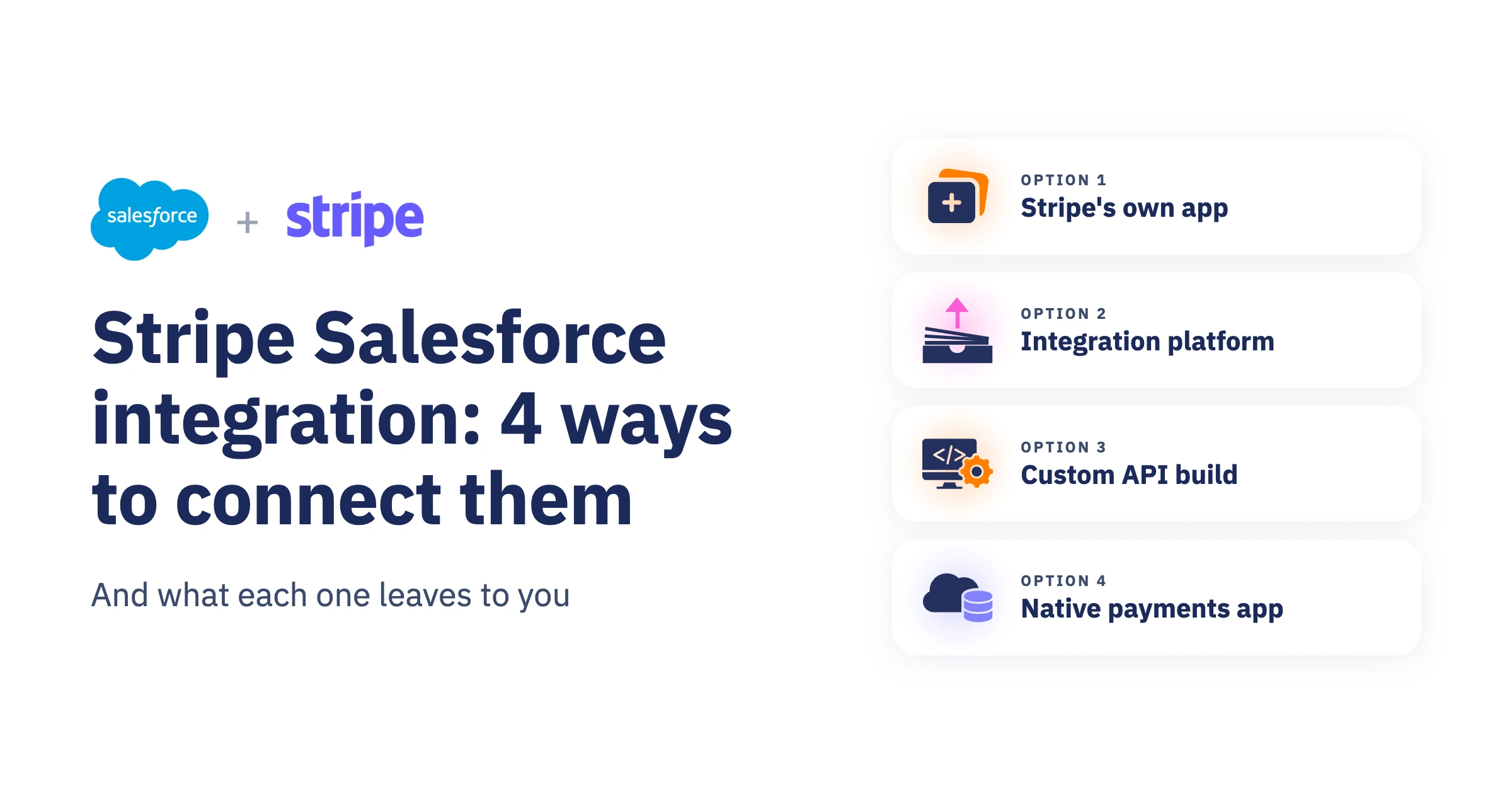
Stripe and Salesforce can be connected in four ways: Stripe's own app for Salesforce, an integration platform (iPaaS), a custom API integration, or a native Salesforce payments app that uses Stripe as the processor. The real difference is where your payments live and who maintains the logic that connects the two systems.
Every option gets Stripe data into Salesforce in some form. What varies is how much your team has to design, build and keep working afterwards. This guide compares the four on that basis.
What a Stripe–Salesforce integration needs to do
Before comparing options, it helps to be clear about the job. For most organizations, an integration needs to:
- Keep customer and payment data in Salesforce accurate and current
- Let teams start payments from Salesforce, not only view them
- Run recurring payments and update Salesforce on every collection
- Record failed payments and refunds on the right records
- Match each payment to the correct account, contact or opportunity without creating duplicates
- Support more than one payment method or provider when the business needs it
Each option below covers some of this out of the box. The rest becomes your team's work.

Option 1
Stripe's app for Salesforce Platform
Stripe stays the system of record. Salesforce gets the data and the tools to act on it.
Stripe publishes its own app for Salesforce Platform. Stripe describes it as an integration builder: you access the Stripe API from inside Salesforce through Flow Builder and Apex. It can represent Stripe billing objects as custom objects in Salesforce, sync billing data on a real-time or scheduled basis, and let you subscribe to Stripe events and map them to Salesforce objects and fields.
For Salesforce Billing users, Stripe also offers a Billing extension. It is an unmanaged package installed on top of the app, and Stripe lists cards and US ACH direct debit as its supported payment methods.
What it gives you
- Stripe billing objects as custom objects in Salesforce
- Real-time or scheduled billing data sync
- Stripe API access from Flow Builder and Apex
- Stripe events you can subscribe to
What it leaves to you
- Designing the flows that turn Stripe events into Salesforce updates
- Mapping Stripe objects to your accounts, contacts and opportunities
- Maintaining that logic as your processes and the Stripe API change
Best suited to teams with Salesforce admin or developer capacity that treat Stripe Billing as their system of record.

Option 2
An integration platform (iPaaS)
A third system sits between Stripe and Salesforce and copies data across.
Platforms such as Zapier, Workato and MuleSoft connect Stripe and Salesforce through a separate layer. You set up triggers and actions, for example, when someone becomes a Stripe customer, automatically create a matching contact in Salesforce.
With iPaaS, Salesforce only ever shows a copy of what happened in Stripe. Payments themselves are still run and managed in Stripe, not in Salesforce.
What it gives you
- Pre-built connectors for common syncs
- Setup without code for simple trigger and action pairs
- The fastest route to basic visibility in Salesforce
What it leaves to you
- A third platform to license, monitor and secure
- Deduplication rules, so Stripe customers match existing Salesforce records
- Error handling across three systems when a step fails
- Usage-based costs that grow with payment volume
Best suited to simple, one-way syncs with low payment volume.

Option 3
A custom API and Apex integration
You build and own the connection end to end.
Your developers call the Stripe API from Apex and receive Stripe webhooks in Salesforce. You control every detail, and you are responsible for every detail.
What it gives you
- Full control over the data model and behaviour
- No license cost beyond Stripe's processing fees
- Room for requirements no product covers
What it leaves to you
- Everything: data model, webhooks, retries, logging and testing
- Security review and keeping card data out of Salesforce
- Updates when Stripe releases new API versions
- Ownership when the developer who built it moves on
Best suited to unusual requirements and teams with a dedicated Salesforce developer.

Option 4
A native Salesforce payments app
Salesforce becomes where payments are run. Stripe processes them.
Several vendors publish payment apps on the Salesforce AppExchange that install as a managed package and connect Stripe as one of their payment processors. Payments are started, scheduled and managed on Salesforce records. Stripe processes the transaction, reports the result back, and the app writes it to the record it belongs to.
What these apps typically handle for you, rather than leaving it to a flow you build, includes matching incoming payments to the right account or contact, deduplicating stored payment details, scheduling and retrying recurring collections, recording refunds and failures, and connecting more than one processor in the same org. Most also offer an API or hosted payment pages so your website can start a payment that lands in Salesforce.
They differ in which payment methods they cover, which processors they support, and how much of the reconciliation work is automated, so the comparison worth making is between apps, not just between this option and the other three.
FinDock is one such app. Through its Stripe payment extension it supports cards including Apple Pay and Google Pay with recurring payments, direct debit through SEPA, ACH, Pre-authorized Debit and Bacs, and local methods including iDEAL | Wero, Bancontact, BLIK, Przelewy24 and Satispay. Incoming payments are matched to records through Guided Matching, and websites can start payments through the FinDock Payment API.
What it gives you
- Payments started, scheduled and managed in Salesforce
- Matching and deduplication handled by the app
- Cards, wallets, direct debit and local methods set up the same way
- More than one payment processor in a single org
What it leaves to you
- A license cost on top of processing fees
- An implementation project to configure payment methods, processes and records
- Dependence on the vendor's roadmap for new methods and processors
- Evaluating which app actually covers the methods and countries you need
Best suited to organizations that run payment operations in Salesforce, collect recurring payments, or use more than one payment method or provider.
The four options side by side
How to choose
Four questions usually settle it:
- Which system is your record for payments? If Stripe is, and Salesforce only needs visibility, the Stripe app or an iPaaS can be enough. If teams work in Salesforce, payments should be managed there.
- Do you need more than one method or provider? Direct debit, local methods or a second provider multiply the work in the first three options.
- Who will maintain it in two years? Built integrations depend on the people who built them.
- Do you run recurring payments? Recurring collections create the most records, failures and updates, so they show the gaps in any integration fastest. Our recurring payments guide walks through how each setup handles failed payments, rejected direct debits and reconciliation.
Frequently asked questions
Does Stripe integrate with Salesforce?
Yes. You can connect Stripe and Salesforce with Stripe's own app for Salesforce Platform, an integration platform such as Zapier, Workato or MuleSoft, a custom API and Apex integration, or a native Salesforce payments app such as FinDock that uses Stripe as the payment processor.
What does the Stripe app for Salesforce cost to run?
The app itself is free to install; see Stripe's documentation for current terms. Stripe processing fees apply whichever option you choose. For the Stripe app, the larger cost is usually the admin and developer time needed to build and maintain the flows that connect Stripe data to your Salesforce processes.
Can I use Stripe and another payment provider in the same Salesforce org?
Yes, with a native payments app. FinDock, for example, can process card payments through Stripe and direct debit through another provider in the same org. With the Stripe app, an iPaaS or a custom build, each additional provider needs its own integration.
Can I use Stripe with Nonprofit Success Pack (NPSP)?
Yes. FinDock can process payments through Stripe and write the payment data to source apps such as Nonprofit Success Pack, so recurring donations and one-time gifts are recorded where your team already works.
Do I need a developer to integrate Stripe with Salesforce?
It depends on the option. Simple iPaaS syncs often need no developer. The Stripe app needs an admin comfortable with Flow, and Apex for more complex logic. A custom integration needs developers. A native payments app is configured by a Salesforce admin or an implementation partner.